How to Choose a Paperless Workflow That Sticks
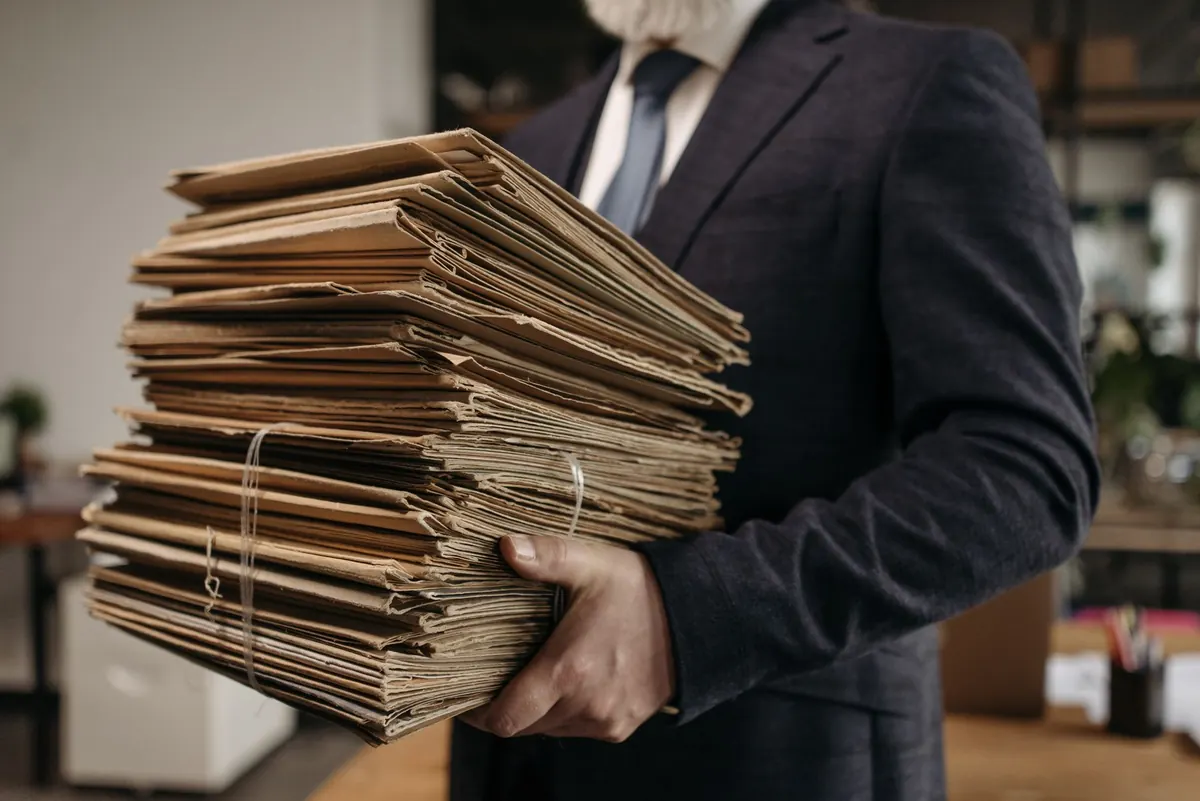
Most paperless setups fail for a dull reason: they were built for an imaginary version of you, the one with spare time on a Sunday evening and a passion for filing. The real you comes home with a receipt, three letters, and a school form, and puts them on the counter because the scanner is in a cupboard and the folder structure has forty-two options. Two weeks later the counter is a landfill.
A workflow that sticks is not the most thorough one. It is the one with the fewest decisions, placed where you already are. Here is how to build that, starting from what you already handle rather than from what a storage app suggests you should.
Before you buy anything or rename a single folder, spend a week watching your own paper. Put every document you would normally file into one tray instead. At the end of the week, sort the pile and answer four questions for each type:
You will probably find that a handful of categories — receipts, utility bills, insurance letters, medical paperwork, school forms — account for most of the pile. Write one rule per category. “Receipts over 50 euros get photographed and filed the same day; the rest go in the shoebox.” That single sentence will do more for you than any app.
The best scanner is the one within arm's reach of where paper lands. A phone camera is genuinely fine for a few pages a week: good light, flat surface, a scanning app that crops and exports to PDF. It becomes miserable at thirty pages of a mortgage contract.
If your volume is regular, a sheet-fed scanner with an automatic feeder earns its place. Set it up once, then leave it plugged in next to the letter rack. Configure a single destination — one folder, one default format — so that scanning is a two-button job. If you have to choose a folder every time, you will stop.
Scan at 300 dpi in colour or greyscale, and turn on text recognition so the PDF is searchable. Keep originals as PDFs rather than photos of pages; they are smaller, cleaner, and open the same way everywhere. Then test the whole thing with one genuinely awkward document — a crumpled receipt, a two-sided form — rather than a clean sheet of paper. The test should look like your actual life.
A file name has one job: to tell you what is inside without opening it. Three ingredients cover almost everything — date, source, subject — in that order, using a date format that sorts correctly.
2025-03-14_EnergyCo_AnnualStatement.pdf
Lead with the year, then the month, then the day. Use hyphens or underscores rather than spaces, and skip slashes, ampersands, and hashtags, which some systems handle badly. Keep company names spelled the same way every time, so a search for “EnergyCo” finds all six years of statements at once.
Retire the words final, final2, scan0001, and document. They describe nothing. If you revise a file, change the date or add a short version marker such as v2 at the end, where it will not disturb sorting.
Consistency matters more than cleverness. Write your naming rule on a sticky note attached to the scanner, or on the first line of a plain text file in your main folder. If you cannot remember the rule six weeks from now, it is too complicated.
The usual mess is not a lack of storage. It is having four of them: a Downloads folder, an email attachment, a phone album, and a desktop shortcut. Choose one primary location and make everything end up there, even if it passes through other places on the way.
A synced cloud folder suits most households because it is the same on your laptop and phone. A local folder with a proper backup also works. What matters is that there is exactly one answer to “where does this go?”
Two or three levels is enough. Broad buckets such as Home, Money, Health, Work, and Children, with a year subfolder inside the busy ones, will hold years of paperwork without burying anything. Deep nesting feels organised and behaves like a maze. If you find yourself clicking four times to reach a file, flatten it.
Decide whether you are a browser or a searcher. Browsers need clean folders and consistent names. Searchers need searchable PDFs and a few reliable keywords. Most people are a bit of both, which is why the naming rule in the previous section does the heavy lifting either way.
Finally, keep one copy that is not on the same device — an external drive you update monthly, for instance. For sensitive documents, check the privacy settings on your storage provider, and if you are unsure how long you are required to keep tax or contract records, ask an accountant or check the rules where you live. Retention periods vary and getting them wrong is expensive.
No system survives contact with a busy Tuesday. Build in a place for things to wait. Keep one physical tray labelled To Scan and one digital folder called Unsorted. Everything goes there first, guilt-free.
Ten minutes weekly beats a three-hour quarterly marathon, mostly because the marathon never gets scheduled twice. If a step keeps getting skipped, that is information: the step is too fussy. Cut it or move it earlier, to the moment the paper arrives.
Not everything should be scanned and shredded. Signed originals, certificates, identification documents, property deeds, and anything with a wet signature or an embossed seal are usually worth keeping in a labelled box somewhere dry. So are the things you would be sad to lose even though no one would ask for them.
Everything else — routine bills, statements you can download again, receipts you only need for a return window — can go digital and then go. Being ruthless here is what keeps the system light enough to maintain.
Pick three habits and no more: one scanning spot, one naming rule, one weekly sweep. Run them for a month before you add anything else. At the end of that month, look honestly at what slipped. The step you avoided is the step to simplify, not the one to try harder at.
A good paperless workflow feels slightly boring. Paper lands in one place, gets named in fifteen seconds, and disappears into a folder you could find with your eyes closed. If yours requires willpower every time, it is not working yet. Change the system, not yourself.
Photo: Pavel Danilyuk / Pexels
Previous Post
How to Build a Two-Minute Reset Routine Between Meetings
Next Post
Smart Morning Routine: Use One App to Plan Your First Hour